

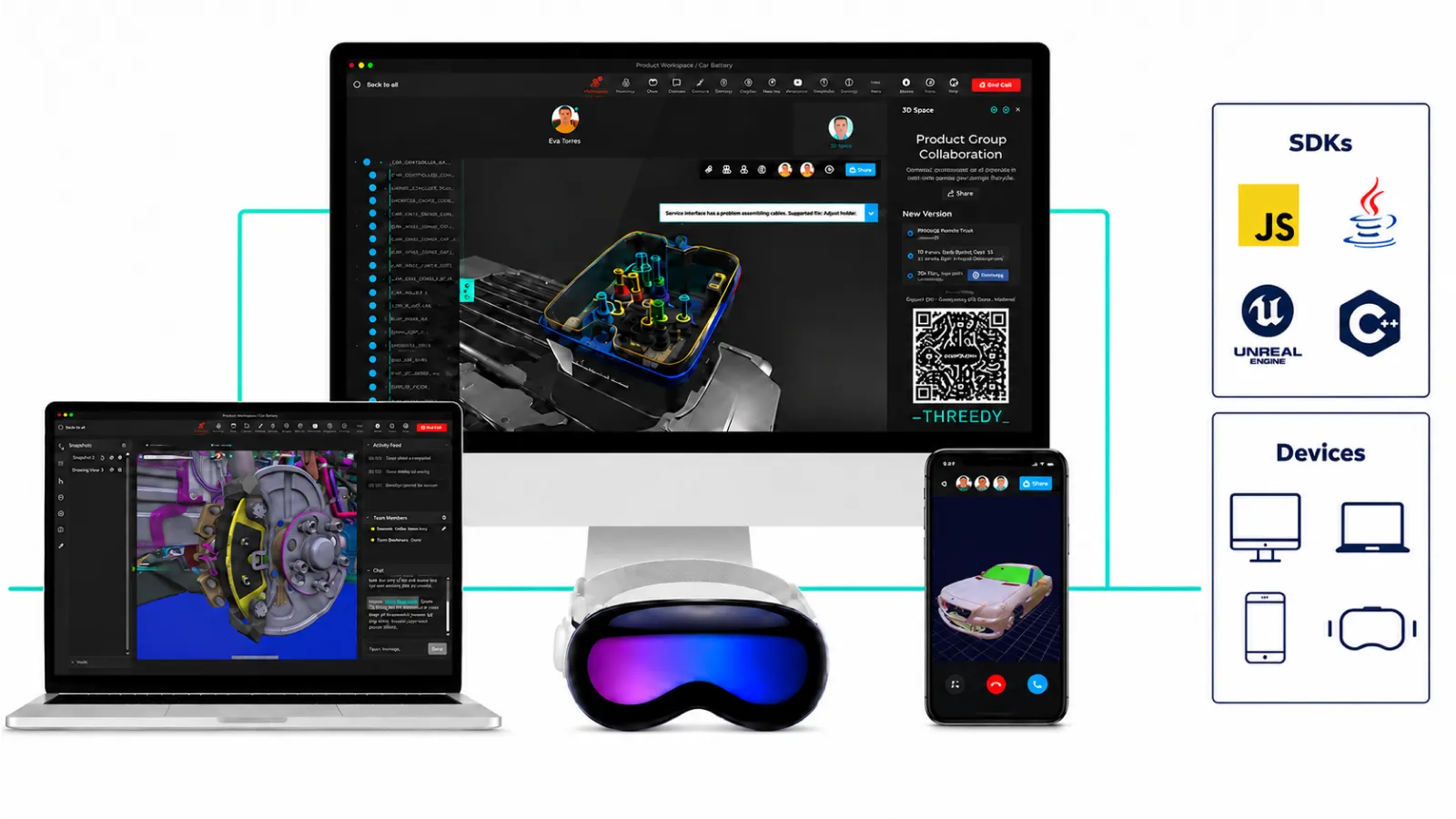
Get Suppliers into the Design early without giving up your IP
Suppliers measure and review your 3D model in the browser. You send no CAD
files and decide who sees which part.
files and decide who sees which part.
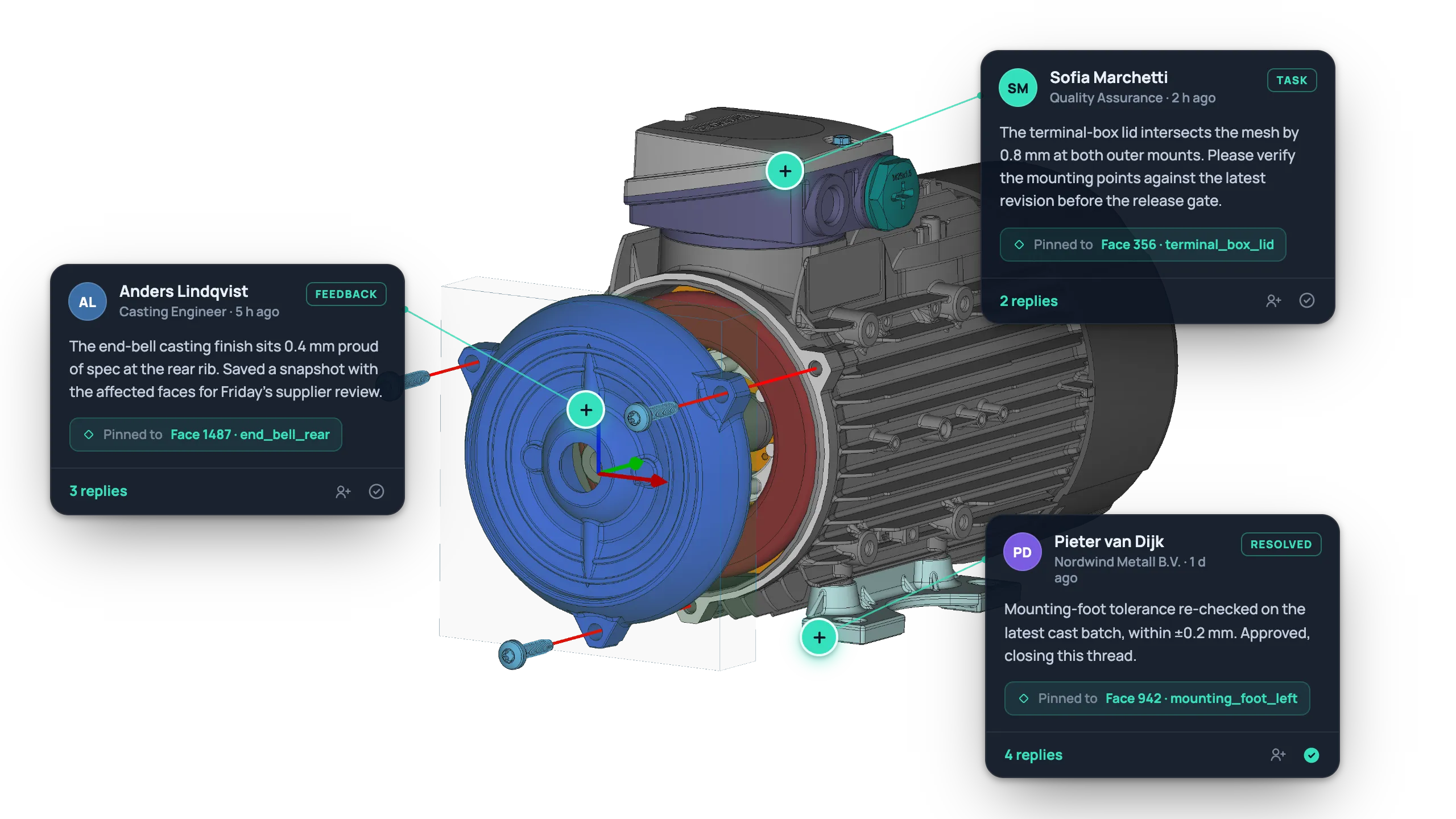



Every File You Send Is a Copy You No Longer Control
Today, working with suppliers means exports: a STEP file here, a PDF drawing there. Each export takes work. Each file that leaves your network stays out there. So teams share less, and later. Supplier feedback comes when the design is hard to change.
No CAD exports, no file transfers, suppliers work on a streamed view of the source model
No more .zip or .pdf files in a supplier's download folder for five years
Share one part, a subassembly, or the whole product
Why Supplier Feedback Arrives Too Late
You Decide Who Sees Which Part
instant3Dhub runs in your cloud or on-premises. Your CAD files stay in your systems. You set access per part and per user, with the user accounts you already manage.
Runs in your cloud or on-premises
No CAD files sent to suppliers
Access per part and per user
No extra user lists to maintain
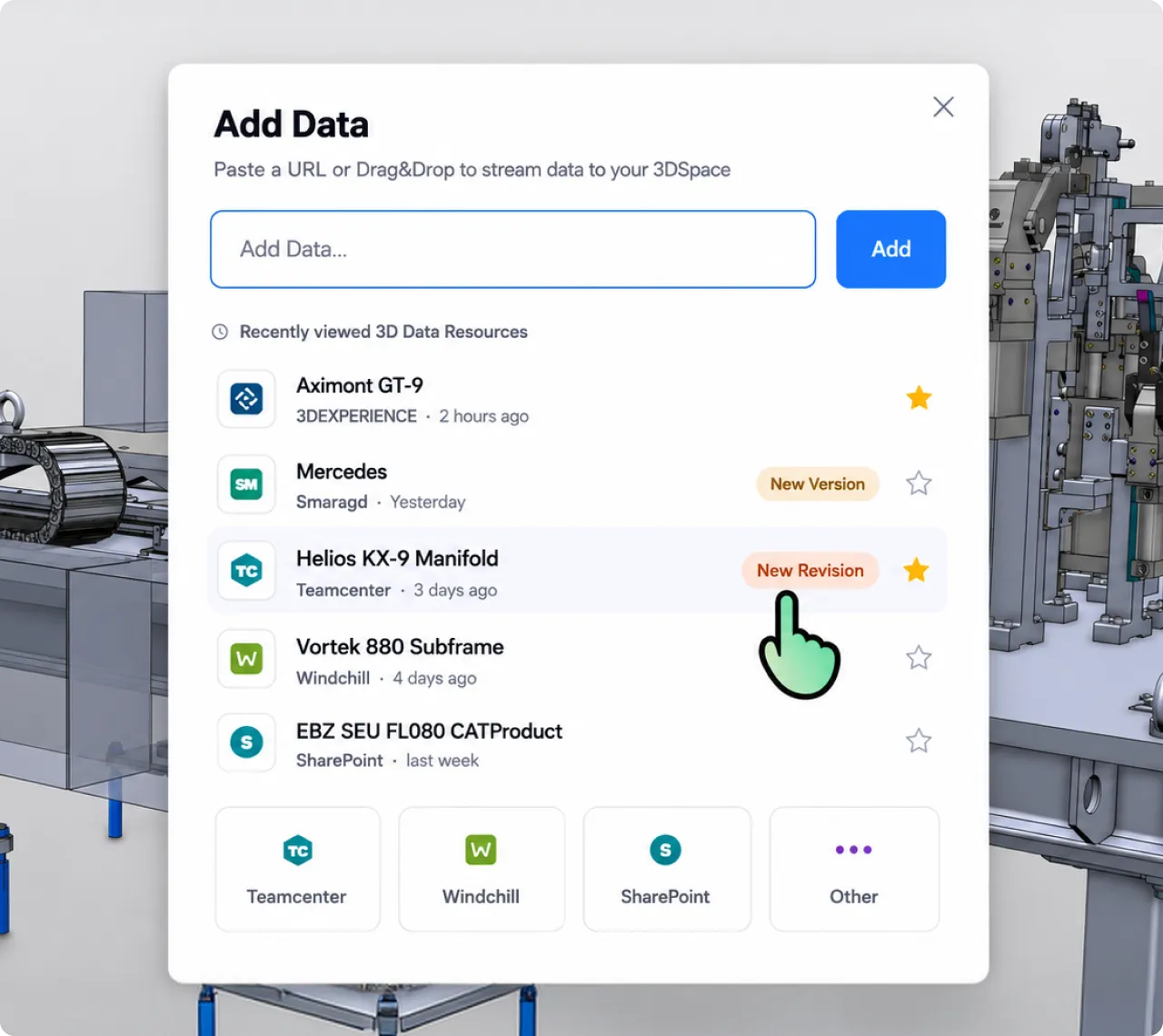
What Early Supplier Collaboration Looks Like
Review Manufacturability on the Real Geometry
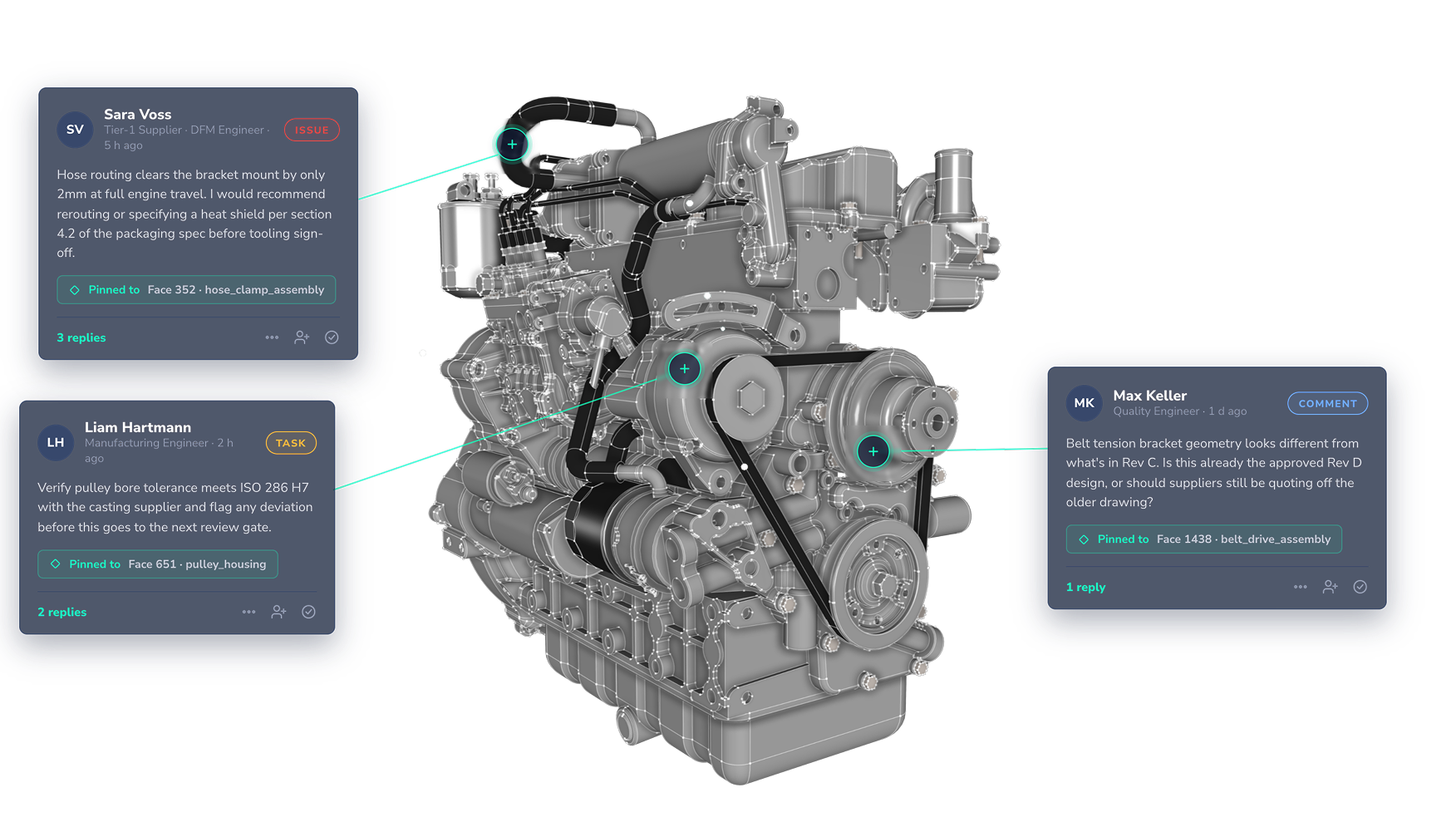
Suppliers measure, section and check tool access on the real part. DFM feedback comes before the first prototype, not after it.
Run Technical Discussions in Context
Both sides look at the same model and point at the same feature. Questions on wall thickness, draft angles or tolerances take minutes, not emails.
Compare Sourcing Options on One Model
Share the same part with several suppliers. Each supplier gets their own access. All bids use the same data, so you can compare them.



Built With and for the
World's Leading OEMs
instant3Dhub was hardened over more than 15 years alongside leading German OEMs, in environments where external data sharing is reviewed by security teams, works councils, and legal. It runs in production across manufacturing, automotive, machinery, and energy value chains.
In Production At







Both Sides Win
For the OEM
Supplier expertise enters the design while changes are still cheap
Sourcing decisions rest on feasibility feedback, not assumptions
No CAD files in the wild. Access per part and per user.
For the Supplier

No CAD licenses or special hardware needed to participate
The full context of live CAD data at full fidelity, not a stripped-down export
Faster answers, fewer clarification loops, better bids
Talk to an Expert About Supplier Collaboration
Tell us how you exchange 3D data with suppliers today, and we'll show you what the same workflow looks like without a single file transfer.



Frequently Asked Questions
Answers to the questions OEM and sourcing teams ask most about secure supplier collaboration.
How do suppliers access the 3D data?
Collaboration with instant3Dhub takes place in the 3DSpace. Simply share a link and recipients with the correct credentials are free to explore.
The model is streamed from your systems and rendered as a live view, so suppliers need no CAD software, no licenses, and no special hardware. Nothing is downloaded to their machines, and when their access is revoked, there is no residual copy anywhere outside your infrastructure.
Can we limit what a supplier sees?
Yes, and this is the core of the model. Access is scoped at the part and subassembly level, so a supplier quoting one component sees that component and its relevant interfaces, not the surrounding product. You can also control the level of detail exposed and set access to expire automatically at the end of an engagement.
What happens to our data?
instant3Dhub runs in your private cloud or on-premise and connects to your existing PLM, PDM, and CAD systems. The data never moves to an external platform. Suppliers connect to a 3DSpace served from your infrastructure, under your security policies, which is typically what allows IT and security teams to approve external collaboration in the first place.