

%202.webp)
What's New in instant3Dhub 3.13: The AI Edition
Every AI conversation right now eventually lands on the same question: what does this actually change about how people work? For 3D data, 3.13 is our first answer.
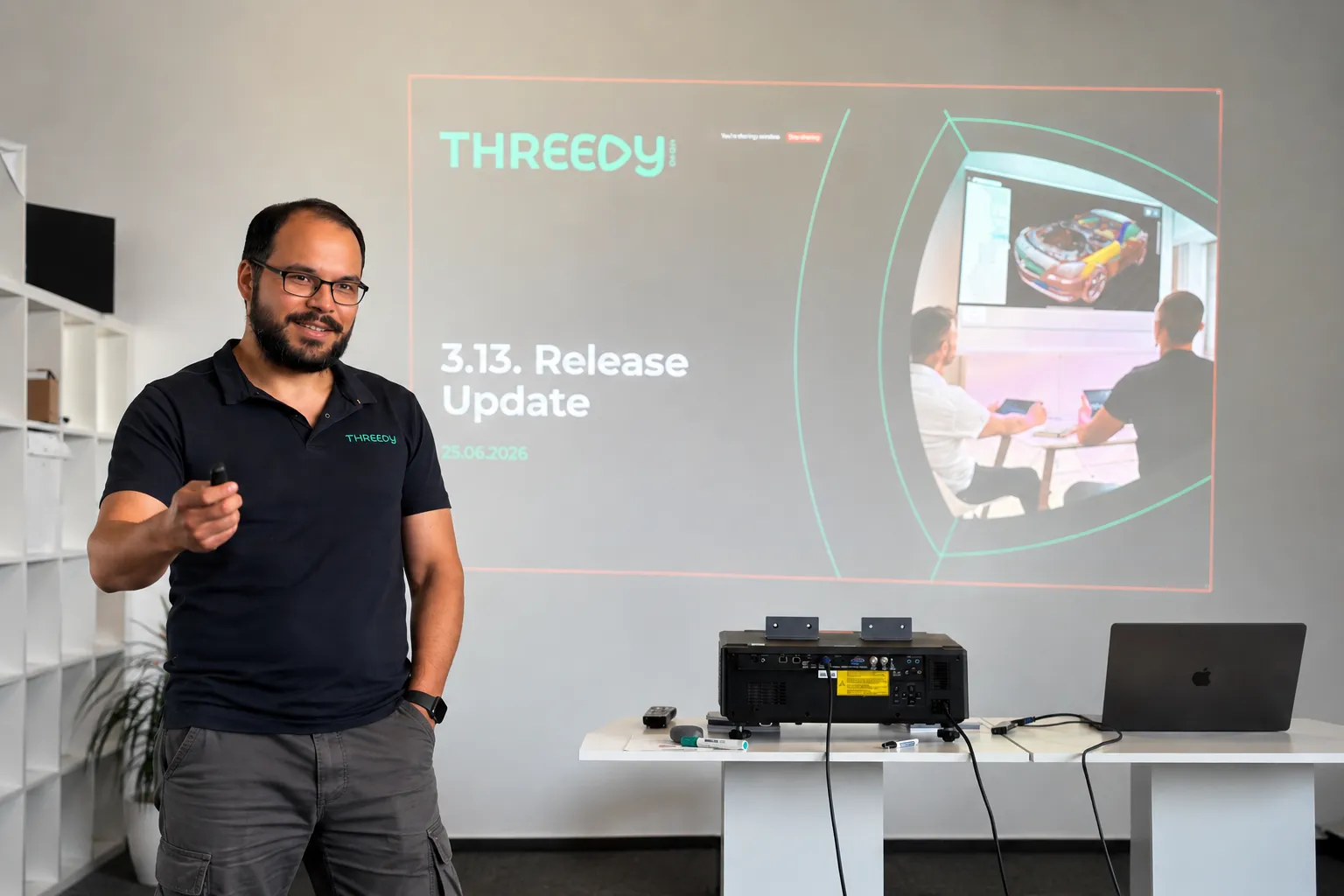
Every AI conversation right now eventually lands on the same question: what does this actually change about how people work? For 3D data, 3.13 is our first answer.
The headline feature is the MCP server. It's experimental, it's built into every deployment, and it's the first time an AI assistant can talk directly to a 3DSpace - not to a description of the data, but to the 3D data itself.
Here's what that means in practice, and what else changed in this release.
AI assistants that work with your CAD data
The MCP server ships with every instant3Dhub 3.13 deployment. No separate setup. You connect with an MCP-compatible AI assistant - Claude, Cursor, VS Code Copilot, others - point it at a 3DSpace, and it can start working with your 3D data.
What it can do once connected:
- Query and navigate the product structure
- Read and write node properties - visibility, color, metadata
- Transform nodes: position, rotation, scale
- Create, update, and remove annotations
- Define and modify clip planes
- Take measurements: distances, volumes, surface areas
That means prompts like "find all parts where the material is set to aluminum" or "hide everything except the drive subassembly" work as you'd expect.
One thing worth being explicit about: MCP tool results - node names, metadata, measurements, scene structure - are sent to the LLM as part of the conversation. The LLM provider never connects to your network, and 3D mesh geometry is not transmitted. If your models contain classified metadata, check with your security team before connecting an external AI assistant.
We're shipping this as experimental. That means it's ready to build on, but it can change quickly and we want your feedback on it.
In 3.13, we've reworked the Query API to support runtime state and nested logic. This is the infrastructure the MCP server sits on — and it also matters directly for developers building on top of instant3Dhub. Less friction, faster results, fewer edge cases.
The 3DSpace as a more manageable
The 3DSpace is where teams work together on 3D data - synchronously and asynchronously, without passing files. 3.13 makes it easier to link, share, and operate:
- Custom space IDs - open a space with a user-defined identifier instead of an auto-generated one
- Define when a 3DSpace gets fully deleted with retention policy via values.yaml
- Multi-user apps with MemberAPI integrated, legacy XRMembers removed
- SessionAPI removed - fully migrated to SpaceAPI; if you're on an older integration, now is the time to update
Other things worth knowing about:
Performance: Lower cloud costs and faster performance. GPU memory usage is down and rendering budgets are more predictable, so you get more out of less hardware. The experimental CPU-based culling can take load off the GPU entirely, cutting the need for expensive GPU instances. Large models render faster, and the GUI freezes some of you hit on heavy assemblies are fixed.
Orientation: Easier orientation in complex scenes. The navigation cube is now HTML-based and shows coordinate axes, so it's quicker to stay oriented when you're navigating large, deeply nested assemblies.
Authorization: Less setup in nested structures. Parent-based authorization is now an option alongside authorizing each node individually. Let children inherit authorization from their parent and you skip a separate auth request for every node. Fewer requests and less overhead, especially in deep hierarchies.
Interoperability: More of your Teamcenter data comes through cleanly. Better handling of JT content (including threaded features) plus basic support for PLM XML and JT assemblies exported from Teamcenter.
Usability: Measurement and search, faster to use. Measurement mode is now one click from the toolbar. In double measurement, your first target stays highlighted so you don't lose your place. And the search bar gets select-all and clear, handy when you're working through long result lists.
Operations: Simpler ops and deployment. Helm upgrades now restart affected services automatically, external database setups no longer need Ansible, and serial keys can be managed through Kubernetes secrets. Less manual work to deploy and maintain.
Security: We fixed XSS vulnerabilities in the Print Manager, annotations, and webvisUI notify functions.
Getting started with 3.13
We’re excited to see how you will use instant3Dhub 3.13. You may also want to subscribe to our newsletter and be updated on the latest developments.

.webp)

.webp)